Introduction
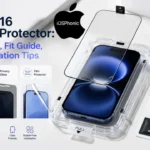
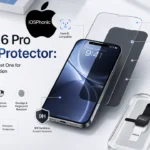
Buying an iPhone 16 Screen Protector is not just about adding another layer of glass. It is about protecting a premium display from scratches, fingerprints, daily wear, and costly mistakes like buying the wrong size or choosing a protector that lifts under your case. Apple’s iPhone 16 and iPhone 16 Plus use Ceramic Shield front glass, and Apple’s current comparison page lists the standard iPhone 16 at 6.12 inches and the iPhone 16 Plus at 6.69 inches. That size difference alone is enough to make the wrong protector a bad fit.
The good news is that a screen protector is still one of the smartest low-cost upgrades you can make. Business Insider says the iPhone 16’s display is strong, but still vulnerable to scratches and severe drops, and it also confirms that the iPhone 15 screen protector fits the standard iPhone 16 because the display dimensions did not change year over year.
This guide solves the real problem behind the search: which protector should you buy, which one fits your model, which one works best with your case, and how do you install it without bubbles or dust trapped underneath? By the end, you will know exactly what to buy and how to apply it correctly.
What is the iPhone 16 Screen Protector Issue?
The issue is simple: many buyers want protection, but they do not want to ruin the iPhone’s feel, touch response, or fit. They also do not want to waste money on a protector that is slightly the wrong size, too thick for the case, or hard to install.
In practice, the “screen protector problem” usually comes down to four questions:
- Will it fit my exact iPhone 16 model?
- Is tempered glass better than film?
- Will my case push the protector up at the edges?
- How do I install it cleanly the first time?
That is why a good article should not just list products. It should help the reader choose the right type, compare the trade-offs, and avoid installation mistakes.
Why This Problem Happens
Most protector mistakes happen for one of these reasons:
- The buyer chooses a protector for the wrong model size.
- The protector is not case-friendly, so the corners lift.
- Dust gets trapped during installation.
- The protector is too thick or poorly aligned.
- The buyer wants privacy or anti-glare but chooses a standard clear protector.
- The protector has weak touch feel or poor clarity.
- The buyer assumes all “iPhone 16” protectors fit every model in the family.
Apple’s model comparison page shows why this matters: the iPhone 16, iPhone 16 Plus, iPhone 16 Pro, and iPhone 16 Pro Max all have different display sizes. Business Insider also notes that a standard iPhone 16 protector does not fit the other iPhone 16 family models.
Quick Answer: Do You Really Need an iPhone 16 Screen Protector?
Yes, for most people.
Apple’s Ceramic Shield improves durability, but it does not make the display scratch-proof. Business Insider says the second-generation Ceramic Shield on the iPhone 16 series is stronger than older models, but still not invulnerable to sharp scratches or severe drops. Belkin also markets iPhone 16 protectors around privacy, blue-light filtering, and ultra-thin glass that keeps the original touch feel.
A screen protector is especially useful if you:
- Keep your phone in a pocket or bag,
- Use your phone all day,
- Care about resale value,
- Work in public places,
- Or use a thick case that leaves the display more exposed.
Best Types of iPhone 16 Screen Protectors
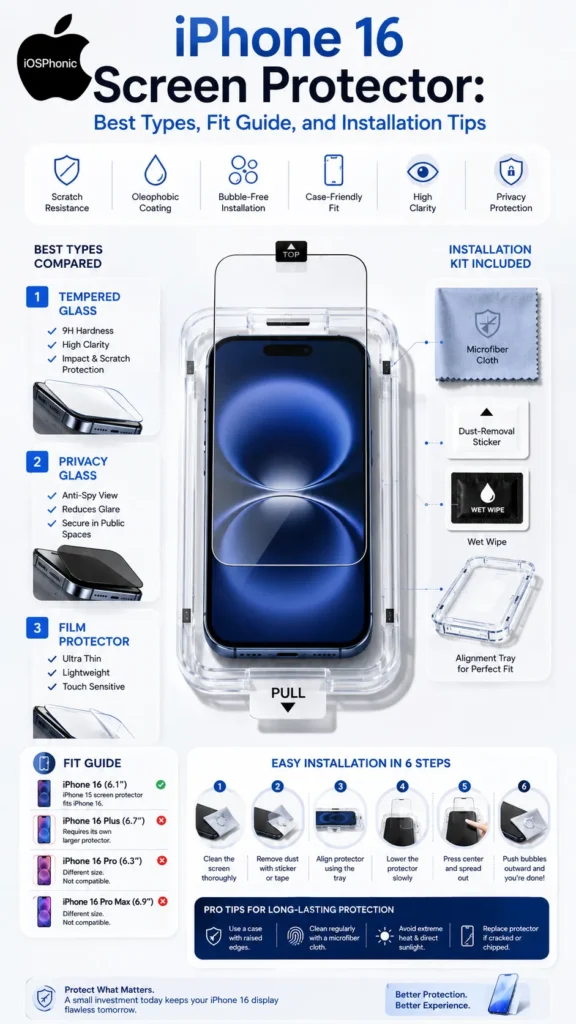
| Type | Best for | Main advantage | Main drawback |
| Tempered glass | Most users | Best balance of clarity, feel, and scratch resistance | Slightly thicker than film |
| Privacy glass | Public use | Limits side-angle viewing | Can reduce brightness slightly |
| Blue light filter | Night reading / long scroll sessions | Adds eye-comfort focus | Not needed for everyone |
| Film protector | Minimal protection / slim cases | Thin and light | Less impact protection than glass |
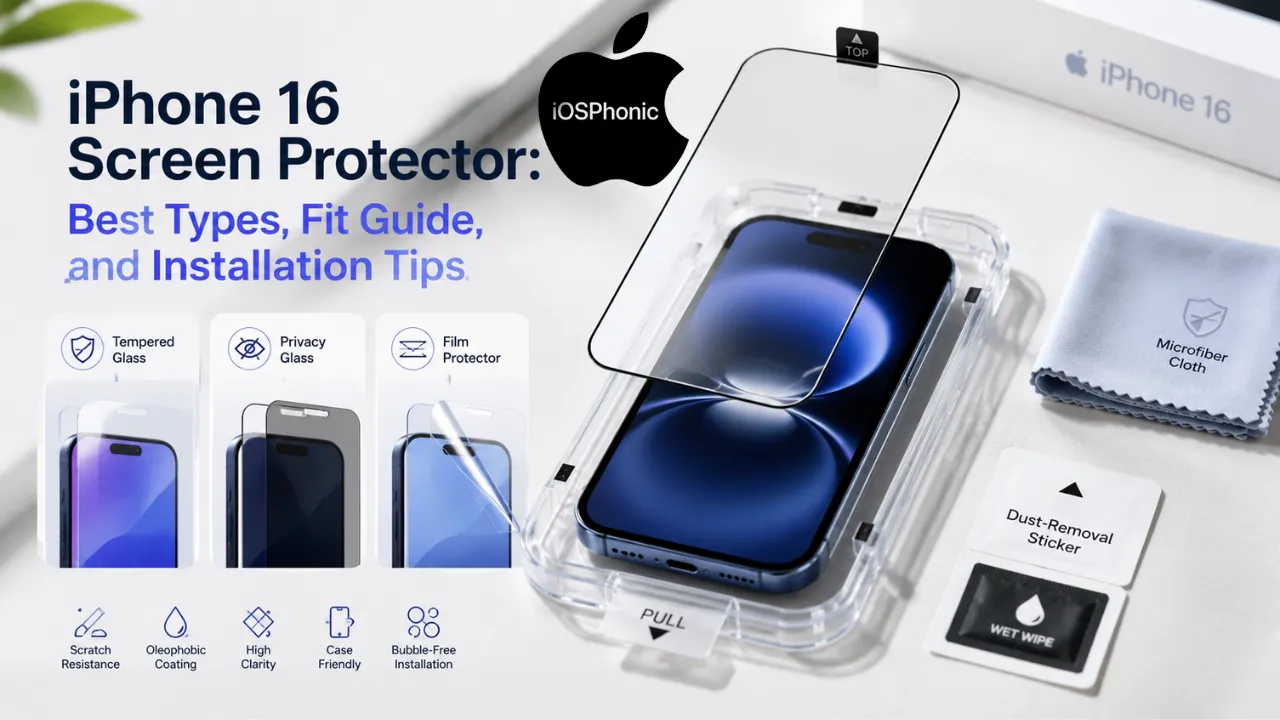
Business Insider says its top picks are tempered glass rather than plastic because glass has proven more durable and scratch-resistant in testing. Belkin’s iPhone 16 collection highlights privacy and blue-light filters in ultra-thin strengthened glass.
1) Tempered glass
This is the best all-around choice for most users. It gives the closest feel to the original display and usually offers the strongest scratch resistance. Business Insider’s roundup puts tempered glass at the center of its recommendations for the iPhone 16.
2) Privacy screen protector
Choose privacy glass if you often use your phone on public transport, at work, in class, or while traveling. Belkin specifically highlights privacy protectors as part of its iPhone 16 lineup.
3) Blue light filter protector
This is a comfort-focused choice for people who read late at night or scroll for long periods. Belkin includes blue-light-filter options in its iPhone 16 collection.
4) Film protector
Film is thinner and can feel nearly invisible, but it is usually weaker against impact and everyday scratches than tempered glass. Use film only when slimness matters more than protection.
Which iPhone 16 Screen Protector Fits Your Model?
This is the section many competitors gloss over, but it is the most important buying decision.
| iPhone model | Apple display size | Protector fit note |
| iPhone 16 | 6.12 inches | Needs a separate, larger protector |
| iPhone 16 Plus | 6.69 inches | Needs its own larger protector |
| iPhone 16 Pro | different from standard 16 | Needs a separate fit |
| iPhone 16 Pro Max | 6.86 inches | Needs a separate larger protector |
Apple’s comparison page lists the iPhone 16 at 6.12 inches, the iPhone 16 Plus at 6.69 inches, and the iPhone 16 Pro Max at 6.86 inches. Business Insider adds the key compatibility point: an iPhone 15 screen protector fits the standard iPhone 16, but not the larger iPhone 16 family models.
The most useful fit rule
- Standard iPhone 16: An iPhone 15-compatible protector usually works.
- iPhone 16 Plus: buy a Plus-specific protector.
- Pro and Pro Max: buy a model-specific protector.
- Case-friendly design matters: even the correct size can be lifted if the case pushes the edges.
That last point is a major real-world issue. A protector can be technically correct but still fail if the case is too thick or the glass extends too close to the edge.
How to Choose the Right iPhone 16 Screen Protector
Use this checklist before buying:
- Match the exact model name.
- Choose tempered glass unless you have a special reason not to.
- Look for an oleophobic coating if fingerprints annoy you.
- Pick a case-friendly shape if you use a bulky case.
- Prefer a brand that includes an installation tray or alignment frame.
- Check touch sensitivity and screen clarity.
- Confirm whether it is privacy, blue-light, or clear glass.
Business Insider says convenience and installation quality matter, and it specifically praises the Spigen GlasTR EZ Fit kit for making first-time installation easier. Belkin says its strengthened glass protectors are ultra-thin, extend to the edges for more complete coverage, and preserve smooth glide and tactile response.
Simple rule of thumb
If you want the safest default choice, buy tempered glass, case-friendly, clear, with an installation tray.
How to Install an iPhone 16 Screen Protector Without Bubbles
Apple recommends cleaning the iPhone with a soft, slightly damp, lint-free cloth and turning the device off before cleaning. That same clean-surface logic applies before installation: dust is the enemy of bubble-free application.
Step-by-step installation
- Turn off the iPhone.
- Wash and dry your hands.
- Clean the screen with a microfiber or lint-free cloth.
- Remove dust with the included sticker or dust remover.
- Align the protector carefully before removing the backing.
- Lower it slowly from one edge to the other.
- Press the center gently.
- Push remaining air bubbles outward with a cloth.
- Recheck the corners after a few minutes.
Ailun’s iPhone 16 protector listing specifically tells users to remove dust and align properly before installation, and Business Insider highlights installation kits as one of the biggest convenience wins.
Best installation tip
Do not rush the alignment. A 30-second pause before lowering the glass can save you from dust, crooked placement, and edge lift.
Quick Fix Checklist
If you need the answer fast, do this:
- Buy the protector for the exact iPhone 16 model.
- Use tempered glass for the best all-around protection.
- Pick Privacy Glass if you use your phone in public.
- Pick a case-friendly design if your case is thick.
- Clean the screen first.
- Use an alignment tray if the brand includes one.
- Replace the protector if it cracks or peels.
Comparison Table: What Should Different Users Buy?
| User type | Best protector | Why |
| Everyday user | Tempered glass | Best balance of protection and clarity |
| Student / commuter | Privacy glass | Helps stop side-angle viewing |
| Night reader | Blue light filter glass | Better comfort for late use |
| Minimalist case user | Thin tempered glass or film | Better fit with slim cases |
| Budget buyer | Affordable tempered glass pack | Better value than plastic in most cases |
Business Insider’s tested recommendations and Belkin’s feature-driven lineup both support this practical use-case approach.
Advanced Fixes and Smart Troubleshooting
If the protector lifts at the corners
The case is probably pressing on the glass. Remove the protector and test the case first. Then switch to a case-friendly model with slightly smaller coverage.
If touch feels laggy
Clean the screen and check whether the protector is too thick or low-quality. Business Insider notes that tempered glass models can still preserve a good screen feel when they are well-made.
If bubbles do not disappear
Usually, there is dust trapped underneath. Lift the nearest edge carefully, remove the dust, and reapply.
If fingerprints show too easily
Choose a protector with an oleophobic coating. Business Insider highlights fingerprint resistance as a meaningful feature, and Otterbox’s model in its roundup uses an oleophobic treatment to reduce smudging.
Pro Tips and Hidden Tricks
- Install the protector in a bathroom after a hot shower. Less floating dust often means cleaner placement.
- Keep the screen off during installation so reflections do not distract you.
- Check the case fit before applying the final seal.
- Use a microfiber cloth, not paper towels.
- Save the dust-removal sticker for small particles after alignment.
- Replace the protector early if it chips at the edge.
- Keep one spare protector in the box for emergency replacement.
Common Mistakes to Avoid
- Buying a protector for the wrong model.
- Assuming the iPhone 16 Plus uses the same protector as the Standard iPhone 16.
- Installing without cleaning the screen first.
- Using too much pressure during application.
- Ignoring case compatibility.
- Choosing plastic film and expecting glass-level protection.
- Keeping a cracked protector on the phone for too long.
Pros and Cons of Screen Protectors
| Pros | Cons |
| Helps reduce scratches | Can attract bubbles if installed badly |
| Adds a sacrificial layer | May slightly change the feel if low quality |
| Can improve privacy | Privacy versions can slightly darken the display |
| Easy to replace | Poor fit can lift with some cases |
Business Insider and Belkin both support the basic idea that a good protector gives useful extra protection without ruining the user experience when chosen well.
FAQs
Yes. Apple’s Ceramic Shield improves durability, but it does not make the screen immune to scratches or drops. Business Insider says the iPhone 16 series is still not invulnerable.
Yes, for the standard iPhone 16 in many cases. Business Insider says the display dimensions remain unchanged year over year.
No. The iPhone 16 Plus has a larger 6.69-inch display and needs a different protector.
Tempered glass. Business Insider says it is more durable and scratch-resistant than plastic options in its testing experience.
Yes, if you use your phone around other people often. Belkin’s iPhone 16 collection specifically offers privacy options for that use case.
Conclusion
The best iPhone 16 screen protector is the one that fits your exact model, works with your case, and matches how you use your phone. For most people, tempered glass is the safest choice. For public use, privacy glass makes sense. For slim cases, choose a case-friendly protector and check the fit before installation. Apple’s display sizes and Business Insider’s compatibility guidance make one thing clear: model Matching Matters more than most shoppers realize.